


Valve made good on their promise from last week, as the beta version of the Steam Link app is available now on Google Play for Android devices; the iOS version is set to follow.
Below you can find Valve's official FAQ. Be sure to let us know in the comments your first impressions on the Steam Link app!
How does it work?
Simply download the app and connect your host computer (PC, Mac, Linux, or SteamOS) via your local network to expand the range of your Steam In-Home experience.
1. Install the app
Download the app on your phone, tablet, or TV for free from Google Play (currently in beta) or the iOS App Store.
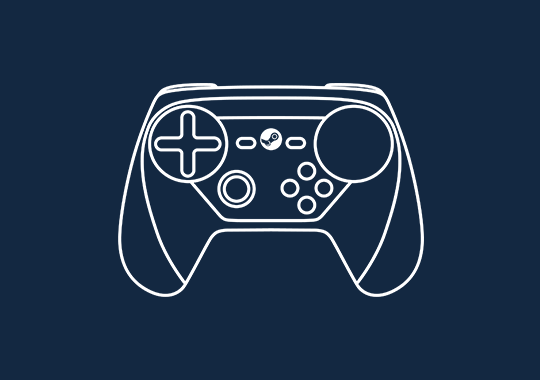
2. Pair your controller
The Steam Link app is compatible with a number of popular Bluetooth controllers, including the Steam Controller.
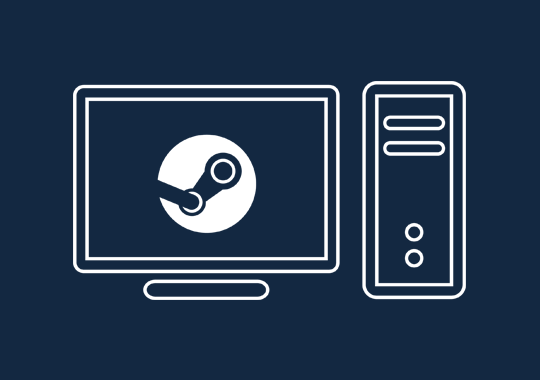
3. Connect to computer
Connect to a local computer running Steam. For best performance, connect over 5GHz WiFi or wired ethernet.
What technology is the Steam Link app using to stream games to phones?
It's using the same Steam In-Home Streaming technology used in the Steam Link hardware. Under the hood, we're doing real-time encoding of H.264 video and sending it over a custom low-latency network protocol, then displaying it on the client.
Which devices can use it?
On the Apple side, we support any iOS device running iOS 10 or newer, and any Apple TV running tvOS 10.3 or newer.
On the Android side, we are releasing in beta so we can do more exhaustive testing. At the start of the beta, we are supporting Android 5.0 or newer.
Can I adjust my settings for better performance quality?
Yes. There is an advanced settings menu option that allows you to tune streaming resolution and bitrate for the best experience on your setup. Over a 5 GHz network, our target is 1080p at 60 FPS with good quality for most scenes. If you have a powerful gaming rig, wired network, and a very good client device, it's possible to stream at 4K 60 FPS.
What about aspect ratio differences and screen sizes?
Black bars on the edges are automatically added to deal with aspect ratio differences, and the video is scaled to handle different screen sizes. On mobile devices you can use two-finger pinch and pan gestures to zoom in as needed.
How much does it cost?
The Steam Link app is available free of charge. No additional charges or service fees apply.
Is my existing Steam Link hardware still useful?
The dedicated Steam Link hardware units support a wide variety of input devices and are specifically designed for low latency streaming to your TV. We are continuing to support the product and believe it is a valuable part of the Steam Link ecosystem.

About the author: With over two decades of experience in gaming journalism, Alessio Palumbo has led the gaming vertical at Wccftech since August 2015. He started working at a young age for Italian websites like Everyeye.it, Gamestar.it, Nextgame.it, and Multiplayer.it before kickstarting the indie English-language publication Worlds Factory as its founder and Editor in Chief. In the last decade, he has coordinated the overall output of Wccftech's gaming section, managed PR relations, assigned reviews, produced daily news coverage, edited gaming content as needed, and delivered game reviews. Arguably, his trademark content is the long series of exclusive developer interviews that have been cited by Wikipedia and by the biggest news media and gaming publications. His passion for technology also makes him knowledgeable when it comes to gaming hardware and tech. His favorite genres include RPGs, MMORPGs, and action/adventure games.
Follow Wccftech on Google to get more of our news coverage in your feeds.


