


Yesterday, Microsoft announced the arrival of more than 70 new backward-compatible titles with some of them packing FPS boost support. A new comparison video shows how the FPS-enabled titles perform and look on the Xbox Series X|S.
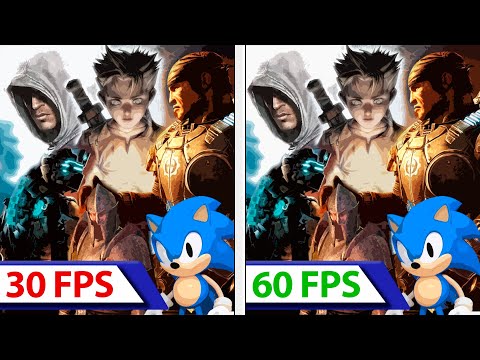
Courtesy of YouTube tech channel “ElAnalistaDeBits”, this new video highlights the differences on both of Microsoft’s next-gen consoles with and without FPS-boost enabled. In general, we can see vast resolution improvements on the Series S for almost all titles (up from either 720p or 1080p), and solid performance gains on both consoles with FPS-boost enabled (from 30FPS to a solid 60FPS).
Interestingly, however, is that, while the performance of some of the Xbox 360 BC titles has been improved, the resolution has not been increased. As a matter of fact, in order to double the framerate within Gears of War 3 on Series X, the resolution has been lowered from 4K resolution to 1440p. Check out the new FPS boost comparison video down below:
“Today, we’re excited to add 70+ Xbox 360 and original Xbox games to our backward compatibility catalog in celebration of our 20th anniversary”, Microsoft wrote yesterday.
“Players will experience even smoother gameplay on 11 titles added today via FPS Boost, which doubles the original framerate up to 60 FPS, including F.E.A.R., F.E.A.R. 3, Binary Domain, and NIER.”
Microsoft added, “We are also excited to announce we enabled FPS Boost on 26 more titles from the existing catalog including top requested titles such as the entire Gears of War franchise, Fallout 3, Fallout: New Vegas, Elder Scrolls IV: Oblivion, Dragon Age: Origins, Dead Space 2 & 3, Alan Wake and Sonic Generations.”
The FPS Boost option, as well as the Auto HDR feature, can easily be enabled or disabled through the “Manage Game” section for any supported title. As such, players can decide whether they want to experience these titles in their original form or with Auto HDR/FPS boost enabled.


About the author: Passionate gamer since the NES era and begun writing about games in 2014. Joined Wccftech gaming section in 2015. Has owned every console since then. Can never make up his mind on what console to play. Weird sense of humor but can be funny from time to time.
Follow Wccftech on Google to get more of our news coverage in your feeds.


