


You can blur out the background and enable portrait mode effect during a FaceTime call in iOS 15 and iPadOS, here's how you can enable it.
iOS 15 and iPadOS 15 Lets You Enable Portrait Mode Effect During FaceTime Video Call - How to Enable it Right Now
While FaceTime is great for video calling, there's always room for improvement when it comes to the actual video itself. Keeping this in mind, Apple now allows you to enable portrait effect during a FaceTime video call, adding a nice soft blur to the background. This can also be used to conceal the contents of the background, keeping the attention to your face only or just look cool during a video call.
Want to give it a shot? Pick up your iPhone or iPad and here's what you should do.
Tutorial
Note: this feature will only work on an iPhone with at least an A12 Bionic chip under the hood or later. Same goes for iPad.
Step 1. Make a FaceTime call with anyone using your iPhone or iPad.
Step 2. Once the call has connected, bring up the Control Center by swiping down on the top right hand corner of the display.
Step 3. Tap the Video Effect button.


Step 4. Now tap on Portrait.


Step 5. Carry the rest of the call with a nice blurry background.
Apple also has an official video tutorial on how to do this as well. Be sure to check it out below:
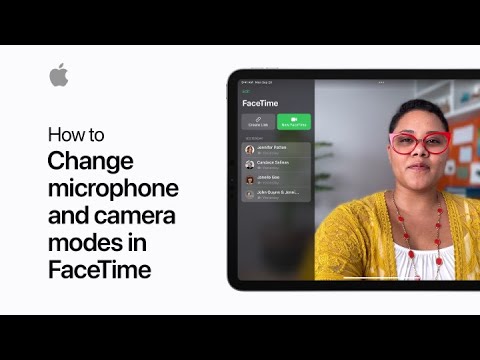
This is an extremely neat little feature which Apple added with iOS 15 and iPadOS 15. It is particularly handy during meetings where you do not want the background contents to take away the thunder from your presentation.
We hope you found this tutorial useful. For more how-tos and guides, head over to this link.
Looking to install the update instead? Check out the following:


About the author: Uzair has been writing about tech for a little under 10 years. Started off in the Symbian days, migrated to Android, eventually settling on iOS and Mac to make a living. Loves photography, drones, talking about the latest tech, and firmly believes that iPad is the future of computing. Served as Editor-in-Chief with Redmond Pie for five years, author at The Readers Eye and many other freelance gigs. Wccftech is now his current home.
Follow Wccftech on Google to get more of our news coverage in your feeds.


