
When Microsoft announced the release of the Xbox Adaptive Controller earlier this year, it garnered widespread acclaim throughout the industry and rightfully so. The device, available for purchase via Microsoft Store for $99.99, allows limited mobility gamers to create their own custom and comfortable ways to play.
YouTuber My Mate VINCE, a channel specializing in 'How to' guides, released a guide two days ago on how to use the Xbox Adaptive Controller on a Nintendo Switch console. You will need to purchase a controller adapter such as the Mayflash Magic-NS, available via Amazon for $20 right now.
This is doubly interesting for Nintendo Switch players because there currently aren't any other options for gamers suffering from limited mobility. Let us know if you manage to hook up your Nintendo Switch for a test.


Game your way
Designed primarily to meet the needs of gamers with limited mobility, the Xbox Adaptive Controller is a unified hub for devices that helps make gaming more accessible.
Works with a range of devices
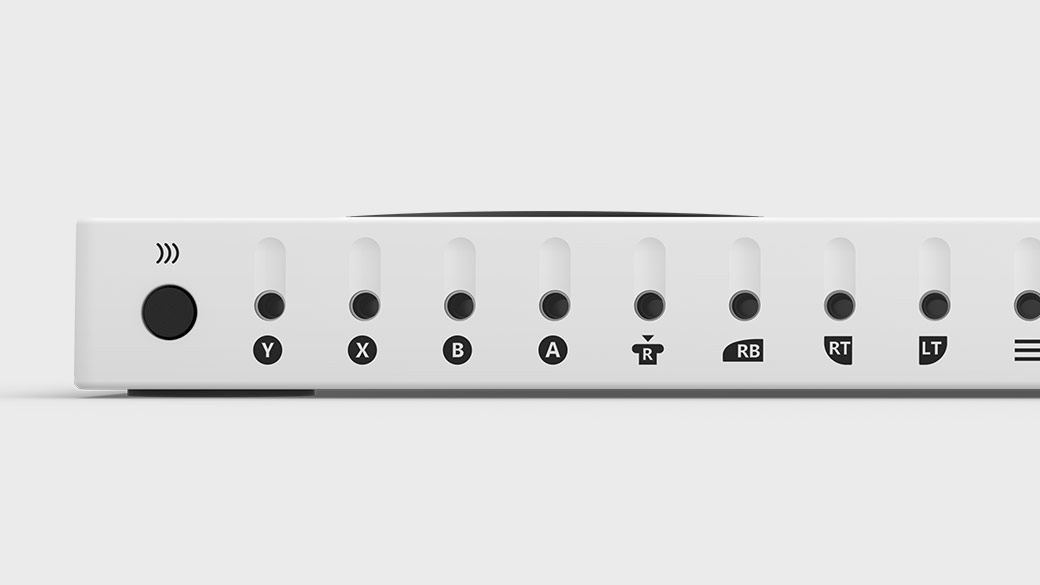
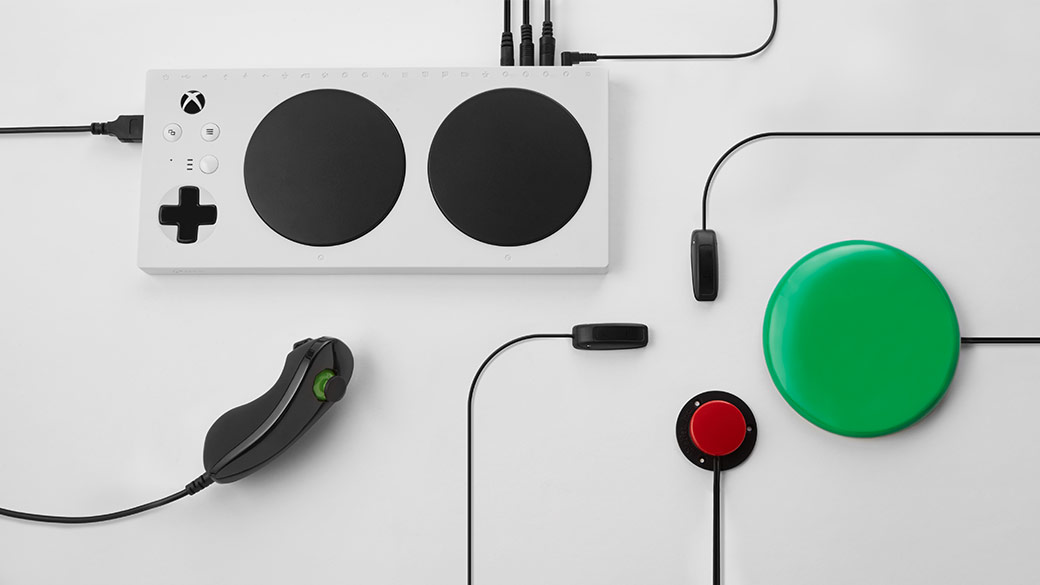
Connect external devices such as switches, buttons, mounts, and joysticks to create a custom controllers experience that is uniquely yours. Button, thumbstick and trigger inputs are controlled with assistive devices (sold separately) connected through 3.5mm jacks and USB ports.
Strengthened by the community
Built from the ground up through strong partnerships with The AbleGamers Charity, The Cerebral Palsy Foundation, SpecialEffect, Warfighter Engaged, and many community members. Input from these groups has helped shape the design, functionality, and packaging of the Xbox Adaptive Controller.
Part of the Xbox family
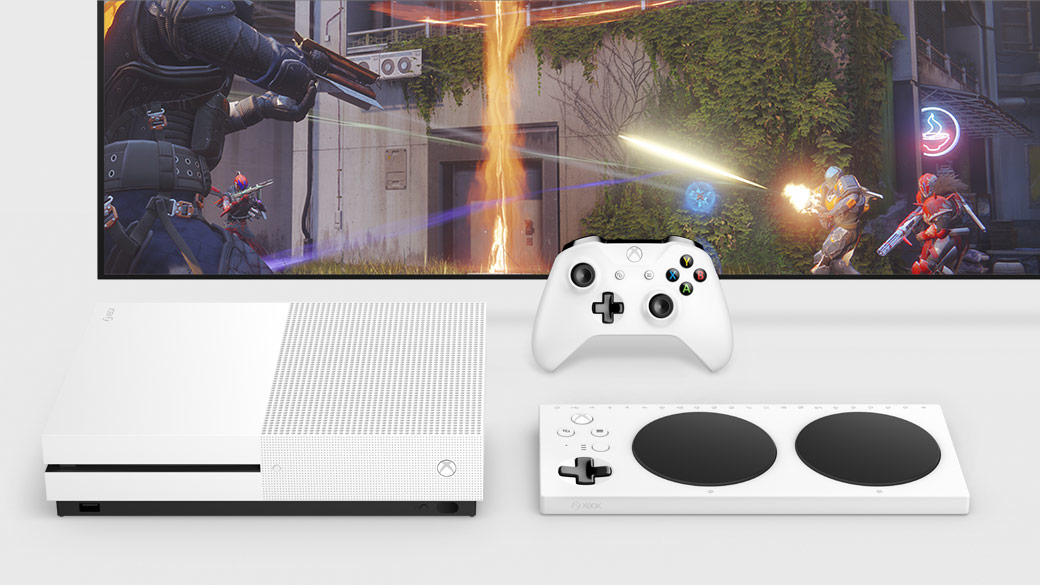
Play on Xbox One consoles and Windows 10 PCs with familiar features such as Xbox Wireless, Bluetooth, USB connectivity, Copilot, and a 3.5mm stereo headset jack.
Customize your experience
Use the Xbox Accessories app on Xbox One or Windows 10 to further customize your experience through button remapping and profiles. Create multiple controller profiles in the app and instantly switch between three of them with the built-in Profile button.



About the author: With over two decades of experience in gaming journalism, Alessio Palumbo has led the gaming vertical at Wccftech since August 2015. He started working at a young age for Italian websites like Everyeye.it, Gamestar.it, Nextgame.it, and Multiplayer.it before kickstarting the indie English-language publication Worlds Factory as its founder and Editor in Chief. In the last decade, he has coordinated the overall output of Wccftech's gaming section, managed PR relations, assigned reviews, produced daily news coverage, edited gaming content as needed, and delivered game reviews. Arguably, his trademark content is the long series of exclusive developer interviews that have been cited by Wikipedia and by the biggest news media and gaming publications. His passion for technology also makes him knowledgeable when it comes to gaming hardware and tech. His favorite genres include RPGs, MMORPGs, and action/adventure games.
Follow Wccftech on Google to get more of our news coverage in your feeds.


